
Since you are unwilling to take 5 minutes out of your vida to learn how to fix your dirty gravatar, please, let me enlighten you.
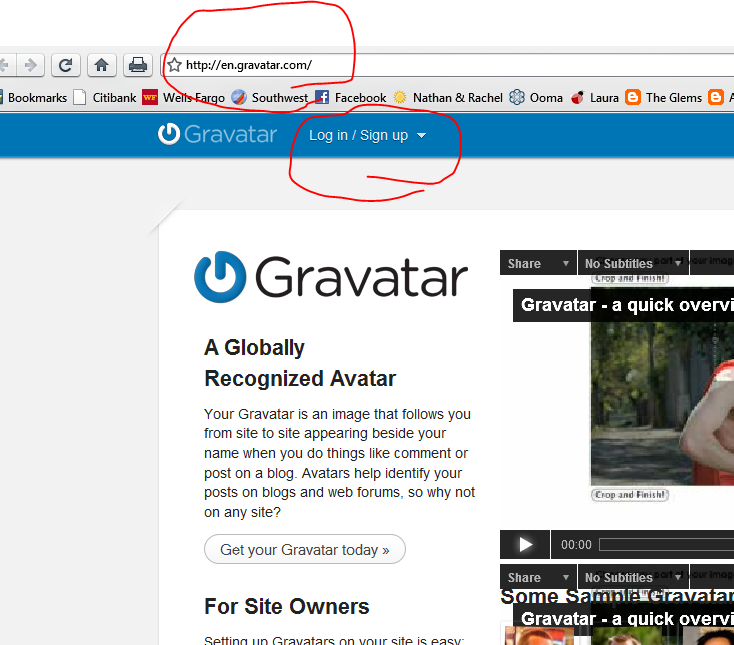
First, go to http://gravatar.com and select the “Log in” link at the top of the page under the Log in/Sign up menu.
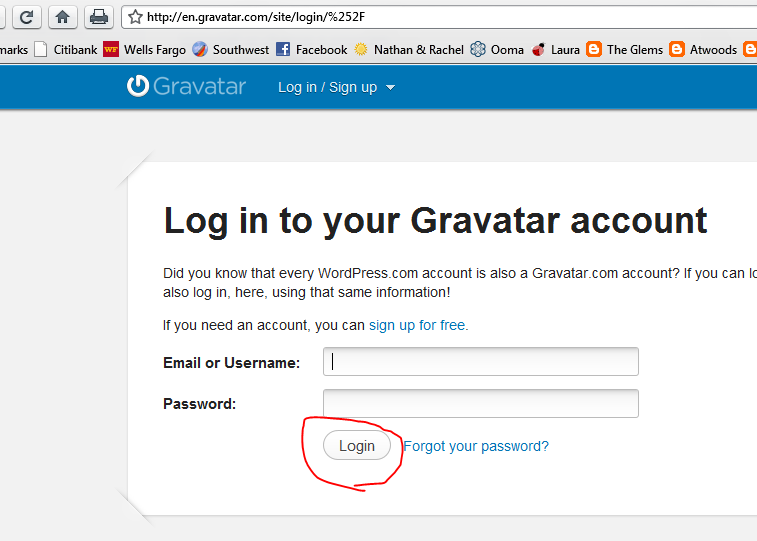
Next, enter your e-mail address (the old one) and password. Click the button labeled “Login". If for some reason you forgot your password, click the “Forgot your password?” link and follow the instructions.
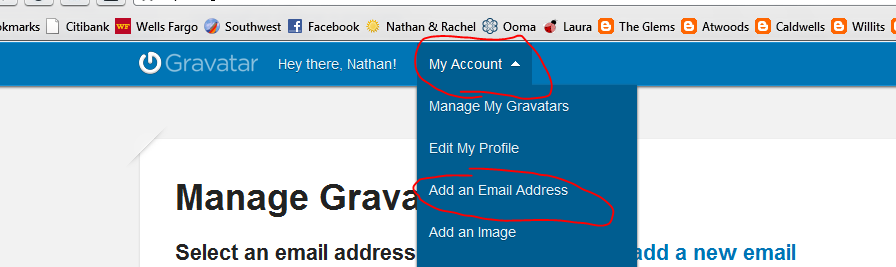
After logging in, hover over the “My Account” link at the top of the page and then select “Add an Email Address.”
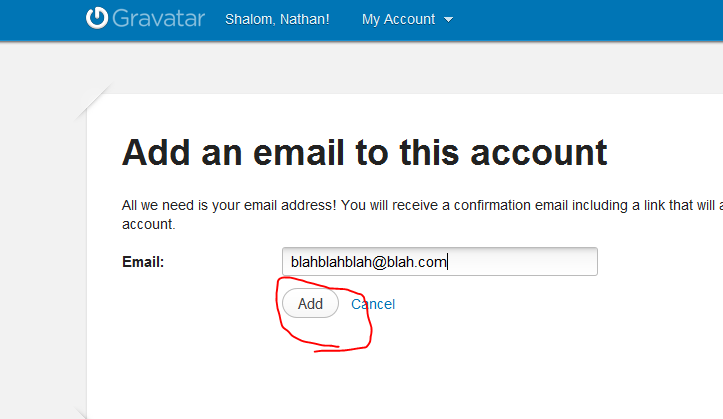
Type in your new e-mail address and click the button labeled “Add.”
Finally, visit the inbox of your newly added e-mail account and click the confirmation link.
12 replies on “Dear Jessica Skankey,”
too many instructions.
i don’t like my gravatar
i did it…
Didn’t work.
but i did exactly what you told me to.
Hmm, you should probably log back into your Gravatar account and make sure the new e-mail address is there. Did you verify it from your Gmail account?
i had to go to “manage avatars”, select the new email that i added (jskankey) and THEN i could click on the avatar to make it work.
Yayyyyyyyyyyy!
I feel so much better now!
Hmm, looks like Tmom is lacking a gravatar too. Who would like to volunteer to make a Tmom gravatar???
been there, done that . . .
I like that gravatar – VERY mysterious! 🙂